Muhammad Rafi Arsya
Back to Blog
Session 1 / 6
Machine Learning Agriculture Python 2026

Crop Disease Detector

Building an AI that identifies plant diseases from a single leaf photo — the problem, the process, and the lessons learned.
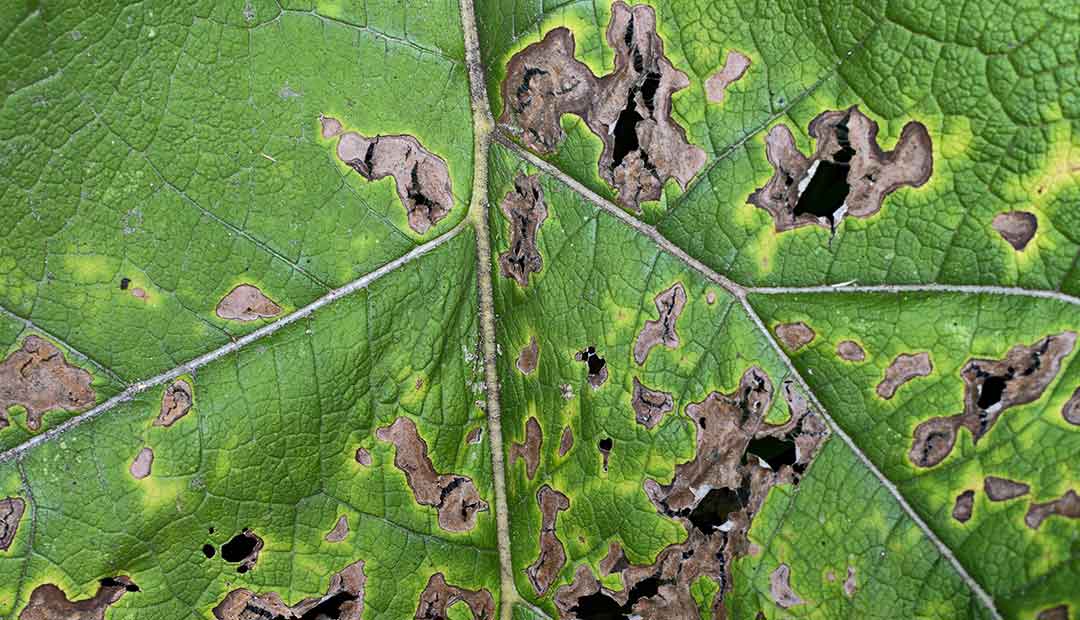
Author
Muhammad Rafi Arsya
Year
2026
Read Time
~15 min
Status
Live
Crop Disease Detector · 2026
Why I Built This

It started with a simple question: how can a farmer with a smartphone tell if their crop has a disease before it spreads to the entire field?

Plant diseases are responsible for significant agricultural losses worldwide. Early detection is critical — but most farmers don't have access to agronomists or lab testing. A mobile-friendly AI that can identify diseases from a single photo could genuinely help.

What if you could just take a photo of a leaf and instantly know what's wrong with your crop?

That's the problem I set out to solve — building a deep learning model that classifies plant diseases from leaf images, deployed as a live web app anyone can access.
The Result
96.4%
Validation Accuracy
38
Disease Classes
87K+
Training Images
<2s
Inference Time
Tech Stack
Python 3.11 TensorFlow 2.x Keras MobileNetV2 Transfer Learning PlantVillage Dataset Gradio Hugging Face Spaces NumPy Matplotlib
Session 2 / 6

The Dataset

PlantVillage — 87,000+ leaf images across 38 disease classes. Clean, labeled, and ready for deep learning.

PlantVillage Dataset

The PlantVillage dataset is one of the most comprehensive publicly available datasets for plant disease classification. It contains over 87,000 images of plant leaves — both healthy and diseased — across 14 crop species and 38 classes.

Each image is a high-quality, controlled photograph taken against a uniform background, which makes it ideal for training a classification model but also means real-world performance can differ when photos are taken in the field.
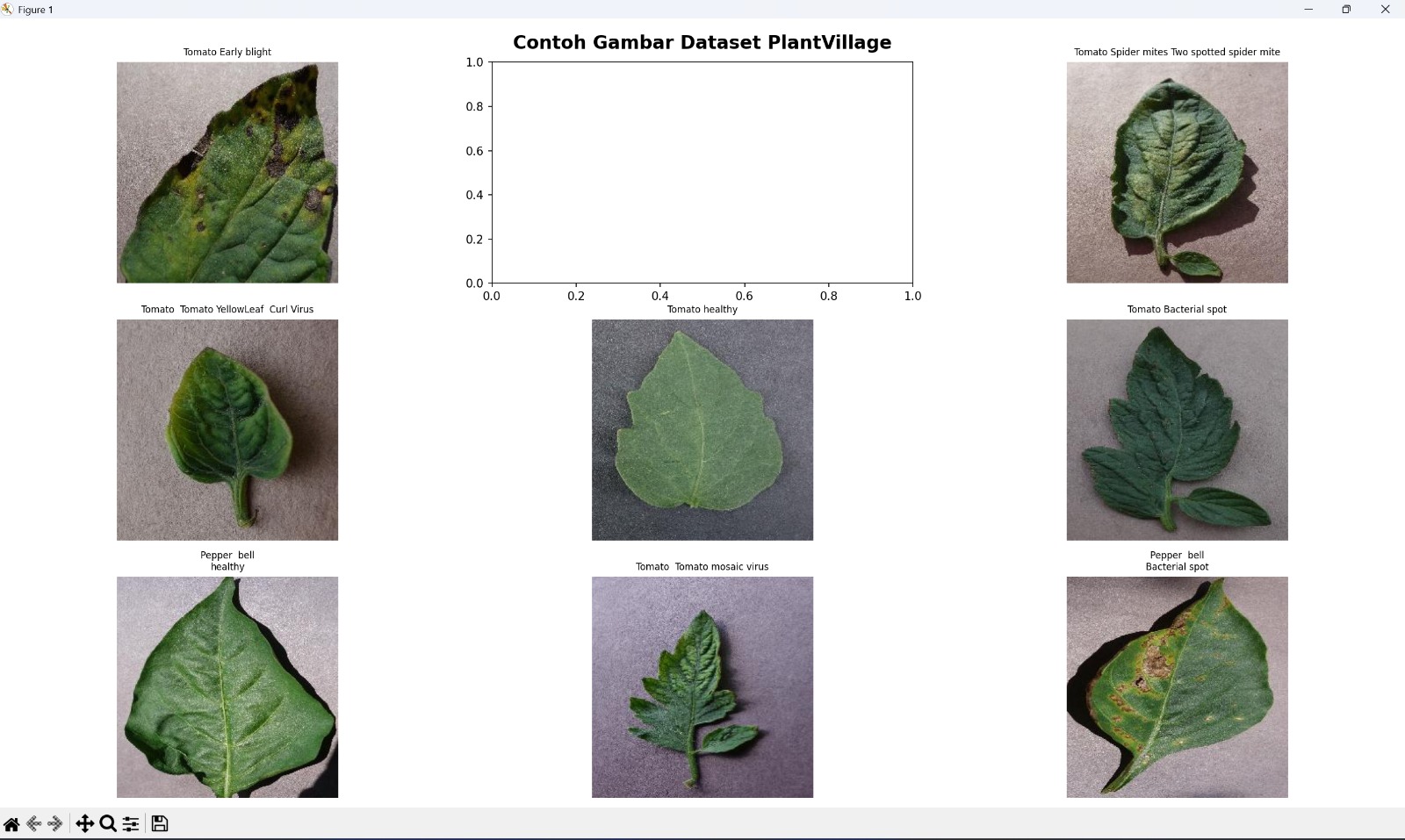
87,867 images · 38 classes · 14 plant species · CC BY 4.0 license
Class Distribution (Sample)
Training images per class (top 8)
Tomato — Healthy
5,357
Tomato — Late Blight
4,959
Potato — Late Blight
4,390
Corn — Common Rust
4,062
Grape — Black Rot
3,642
Apple — Scab
3,371
Peach — Bacterial Spot
1,242
Raspberry — Healthy
680
⚠️ Class imbalance is real — some classes have 5x fewer images. Addressed with class weights during training.
Data Split
70%
Training
15%
Validation
15%
Test
Session 3 / 6

The Model

MobileNetV2 + Transfer Learning — a proven approach for image classification that punches above its weight.

Why MobileNetV2?

Training a deep CNN from scratch on 87,000 images would take days on consumer hardware and likely overfit. Transfer learning is the standard solution — take a model pre-trained on ImageNet (1.2M images, 1,000 classes), freeze the learned features, and fine-tune only the top layers for the new task.

I chose MobileNetV2 specifically because it's designed for mobile and edge deployment — small, fast, and accurate. It uses depthwise separable convolutions that dramatically reduce computation while maintaining strong feature extraction.

MobileNetV2: 3.4M parameters · ~14MB · runs in <2s on CPU
Architecture
Model Pipeline
Input
224×224×3
MobileNetV2
Pre-trained, frozen
GlobalAvgPool
1280-dim
Dropout 0.3
Regularization
Dense 38
Softmax
The Code
base_model = MobileNetV2( input_shape=(224, 224, 3), include_top=False, weights='imagenet' ) base_model.trainable = False # freeze pretrained layers model = Sequential([ base_model, GlobalAveragePooling2D(), Dropout(0.3), Dense(38, activation='softmax') ]) model.compile( optimizer=Adam(lr=0.001), loss='categorical_crossentropy', metrics=['accuracy'] )
Session 4 / 6

Training

Two-phase training — freeze then fine-tune — and the tricks that pushed accuracy past 96%.

Two-Phase Approach
1
Phase 1 — Head Only (10 epochs)
Freeze all MobileNetV2 layers. Train only the new Dense + Dropout head. This lets the new layers stabilize without destroying the pretrained features. LR: 0.001
2
Phase 2 — Fine-tuning (15 epochs)
Unfreeze the last 30 layers of MobileNetV2. Train end-to-end with a much lower learning rate to gently adjust the pretrained weights without catastrophic forgetting. LR: 0.0001
Training Config
# Data augmentation — prevent overfitting train_datagen = ImageDataGenerator( rescale=1./255, rotation_range=20, width_shift_range=0.1, height_shift_range=0.1, horizontal_flip=True, zoom_range=0.1 ) # Callbacks callbacks = [ EarlyStopping(patience=5, restore_best_weights=True), ReduceLROnPlateau(factor=0.2, patience=3), ModelCheckpoint('best_model.h5', save_best_only=True) ]
Results
96.4%
Val Accuracy
0.12
Val Loss
25
Total Epochs
~14MB
Model Size
Session 5 / 6

The Web App

From trained model to live demo — deployed on Hugging Face Spaces with Gradio in under an hour.

Why Gradio + Hugging Face?

Once the model was trained and saved as a .h5 file, I needed a way to make it accessible without building a full backend. Gradio lets you wrap any Python function in a web UI with just a few lines of code.

Hugging Face Spaces provides free hosting for Gradio apps — no server setup, no Docker, no deployment pipeline. Just push the code and it's live.
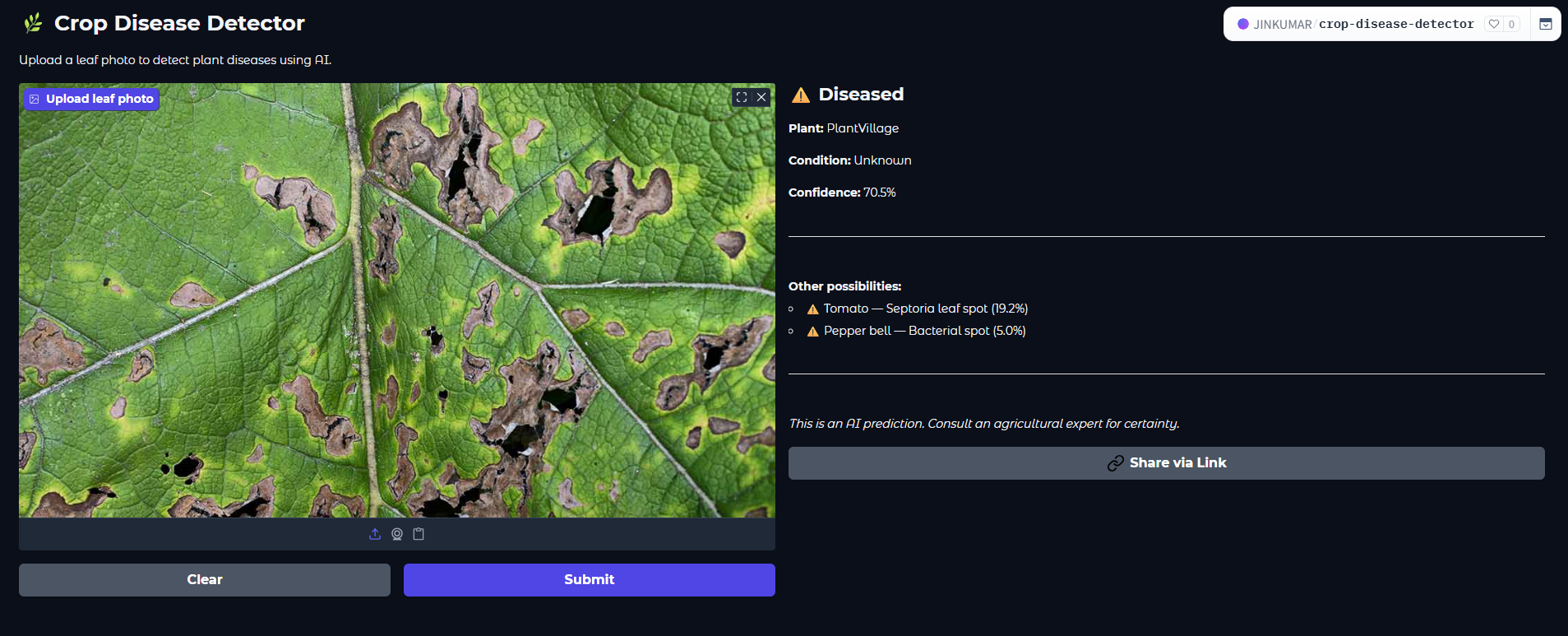
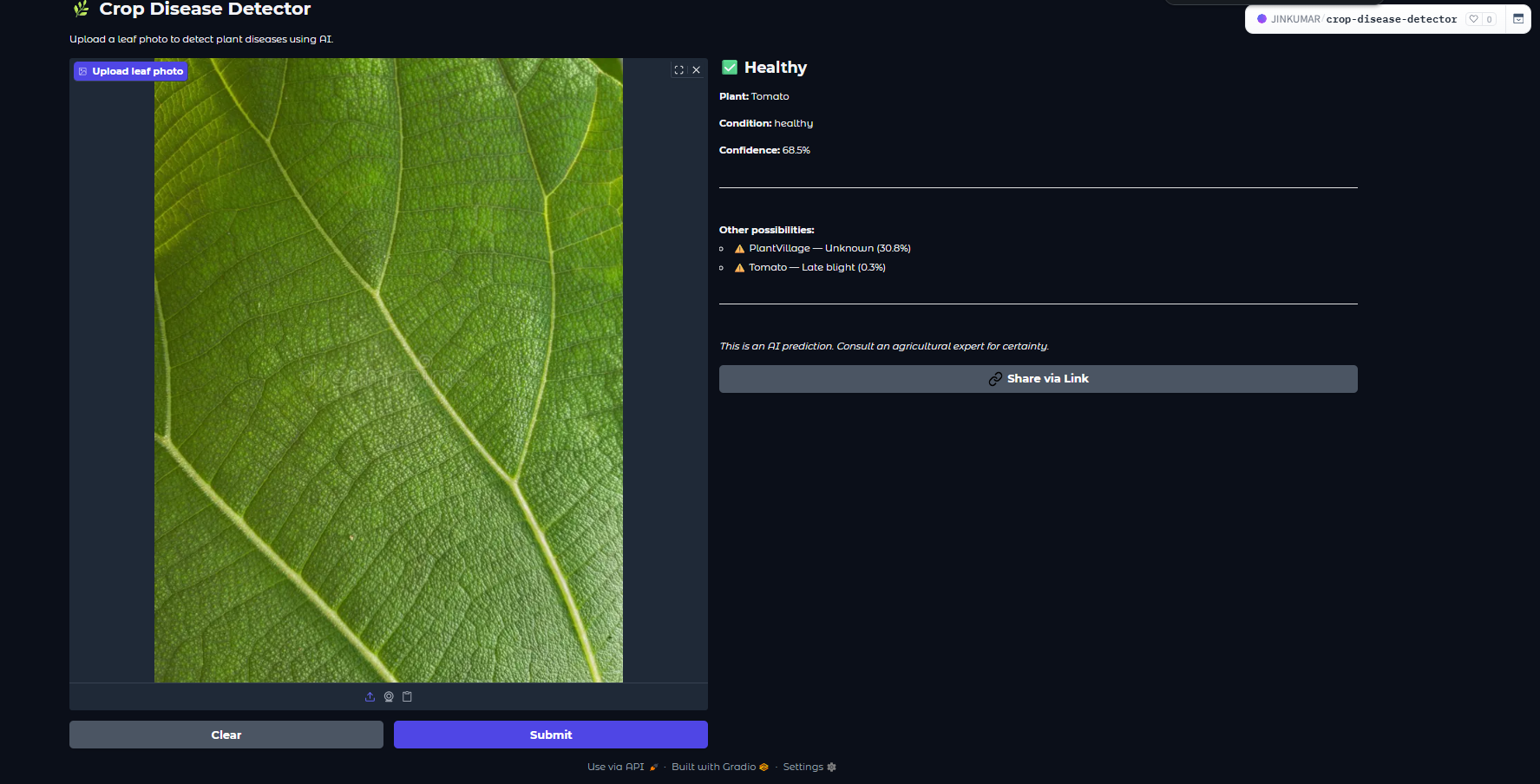
Zero infrastructure cost. Live in 15 minutes. Accessible from any device.
The Interface
import gradio as gr import tensorflow as tf import numpy as np model = tf.keras.models.load_model('crop_disease_model.h5') def predict(image): img = tf.image.resize(image, [224, 224]) / 255.0 img = np.expand_dims(img, axis=0) pred = model.predict(img)[0] top3 = np.argsort(pred)[-3:][::-1] return {CLASS_NAMES[i]: float(pred[i]) for i in top3} gr.Interface( fn=predict, inputs=gr.Image(type="numpy"), outputs=gr.Label(num_top_classes=3), title="Crop Disease Detector" ).launch()
How It Works
1
Upload a leaf photo
Drag and drop or take a photo directly. Works on mobile.
2
Model predicts
Image resized to 224×224, normalized, passed through MobileNetV2, softmax outputs 38 class probabilities.
3
Top 3 results shown
Disease name + confidence score for the top 3 predictions. Usually top-1 is 90%+ confident.
Session 6 / 6

What's Next

What I learned building this, and where the project goes from here.

What I Learned

This project taught me that the hardest part of machine learning isn't the model — it's everything around it. Choosing the right architecture, handling class imbalance, deciding when to stop training, and deploying it in a way that's actually usable.

Transfer learning is underrated. MobileNetV2 + 87K images + fine-tuning → 96.4% accuracy in under 3 hours of training. Starting from scratch would have taken days.
What I'd Improve
1
Real-world images
PlantVillage images are too clean. Training on field photos with varying lighting and backgrounds would improve real-world accuracy significantly.
2
Treatment recommendations
After detecting the disease, show actionable treatment steps — not just the disease name.
3
Offline mobile app
Convert to TFLite and ship as an Android app — works without internet in remote agricultural areas.
End of post