Crop Disease Detector
Building an AI that identifies plant diseases from a single leaf photo — the problem, the process, and the lessons learned.
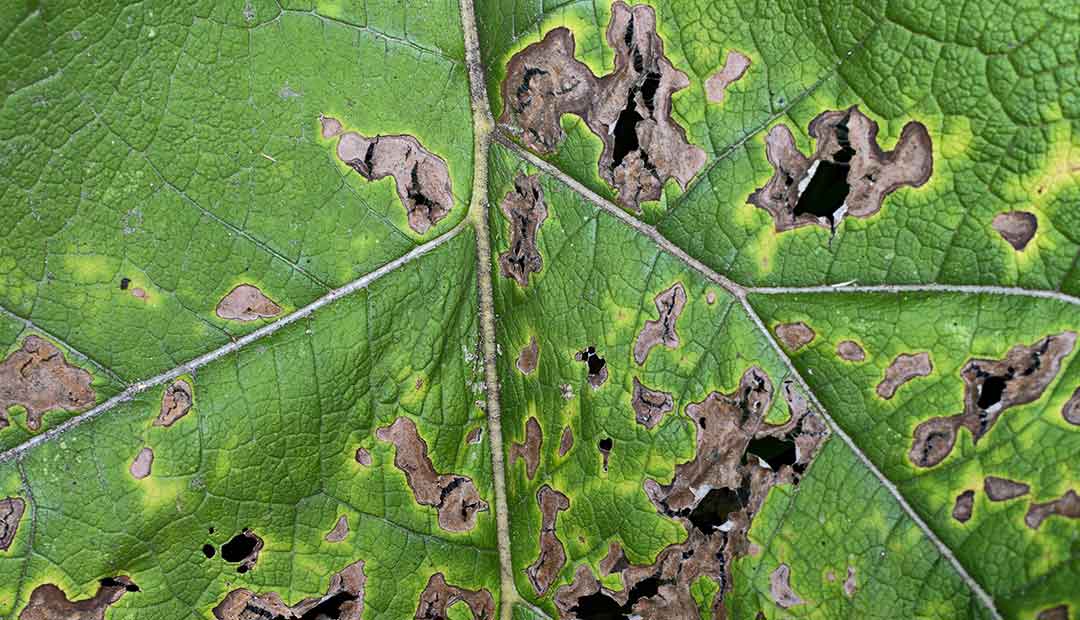
It started with a simple question: how can a farmer with a smartphone tell if their crop has a disease before it spreads to the entire field?
Plant diseases are responsible for significant agricultural losses worldwide. Early detection is critical — but most farmers don't have access to agronomists or lab testing. A mobile-friendly AI that can identify diseases from a single photo could genuinely help.
That's the problem I set out to solve — building a deep learning model that classifies plant diseases from leaf images, deployed as a live web app anyone can access.

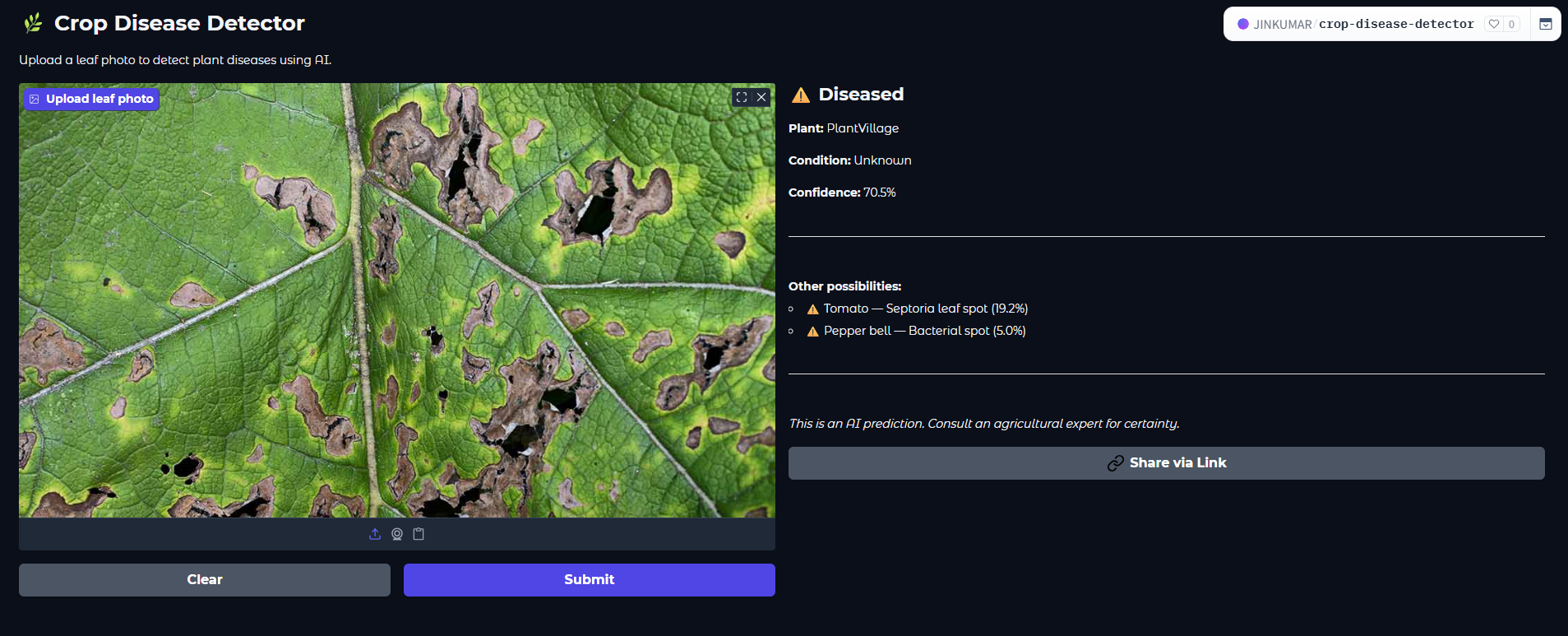
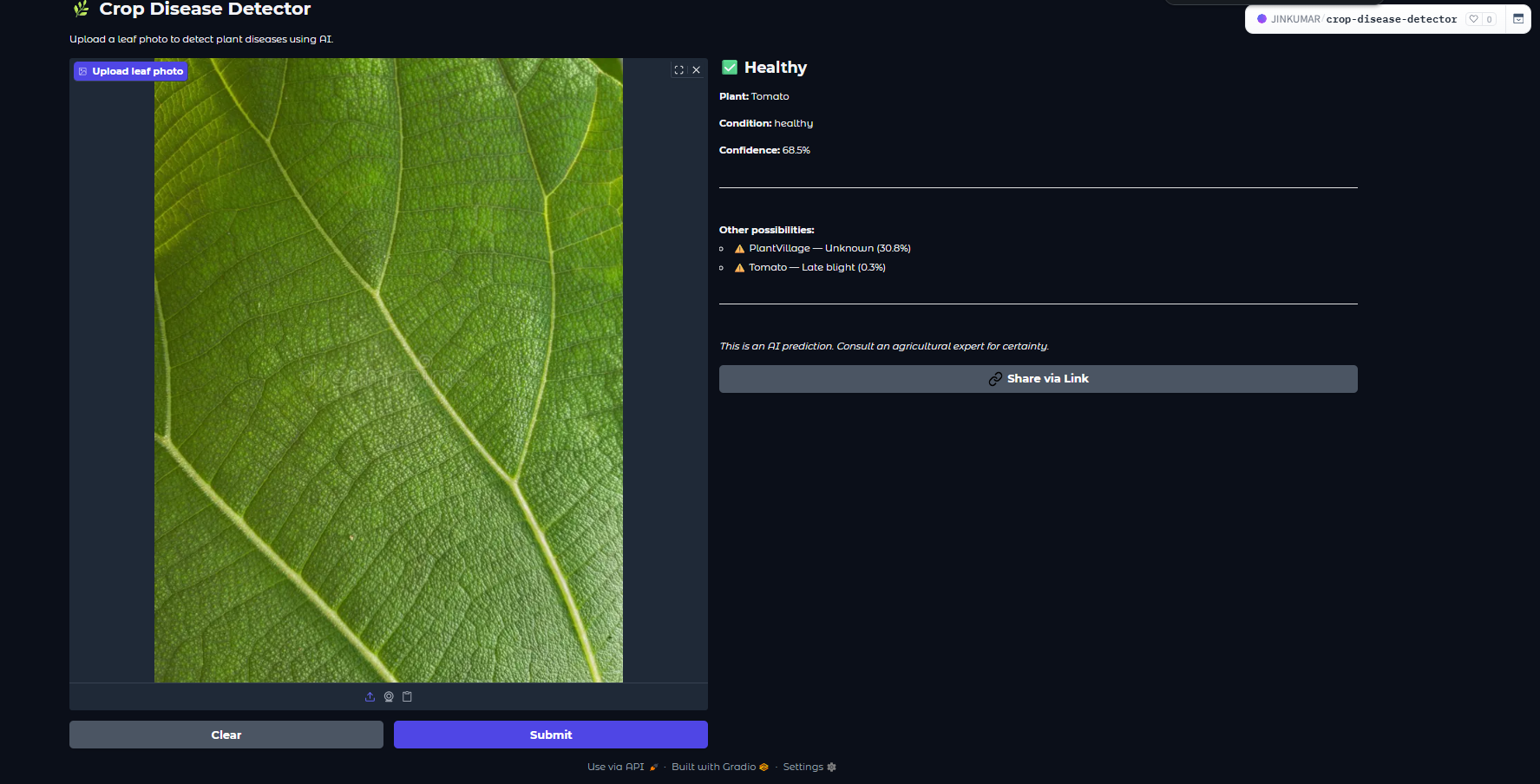
The model runs in the browser via Gradio on Hugging Face Spaces — no app install, no account, no cost to the user. A farmer can take a photo, get a diagnosis in under 2 seconds, and know which of 38 disease classes they're dealing with.
The Dataset
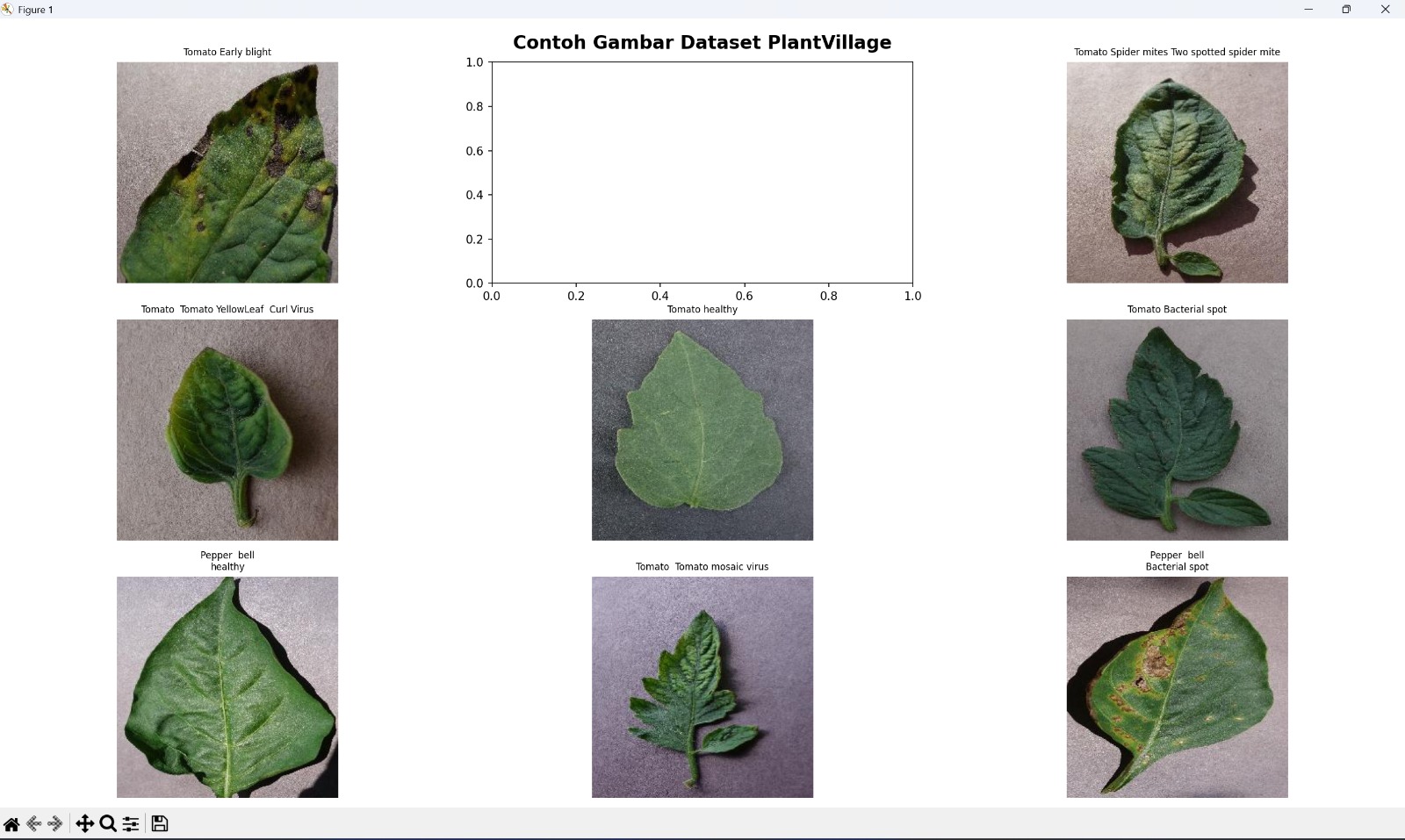
PlantVillage — 87,000+ leaf images across 38 disease classes. Clean, labeled, and ready for deep learning.
The PlantVillage dataset is one of the most comprehensive publicly available datasets for plant disease classification. It contains over 87,000 images of plant leaves — both healthy and diseased — across 14 crop species and 38 classes.
Each image is a high-quality, controlled photograph taken against a uniform background, which makes it ideal for training a classification model but also means real-world performance can differ when photos are taken in the field.
The Model
MobileNetV2 + Transfer Learning — a proven approach for image classification that punches above its weight.
Training a deep CNN from scratch on 87,000 images would take days on consumer hardware and likely overfit. Transfer learning is the standard solution — take a model pre-trained on ImageNet (1.2M images, 1,000 classes), freeze the learned features, and fine-tune only the top layers for the new task.
I chose MobileNetV2 specifically because it's designed for mobile and edge deployment — small, fast, and accurate. It uses depthwise separable convolutions that dramatically reduce computation while maintaining strong feature extraction.
Training
Two-phase training — freeze then fine-tune — and the tricks that pushed accuracy past 96%.
The Web App
From trained model to live demo — deployed on Hugging Face Spaces with Gradio in under an hour.
Once the model was trained and saved as a .h5 file, I needed a way to make it accessible without building a full backend. Gradio lets you wrap any Python function in a web UI with just a few lines of code.
Hugging Face Spaces provides free hosting for Gradio apps — no server setup, no Docker, no deployment pipeline. Just push the code and it's live.
What's Next
What I learned building this, and where the project goes from here.
This project taught me that the hardest part of machine learning isn't the model — it's everything around it. Choosing the right architecture, handling class imbalance, deciding when to stop training, and deploying it in a way that's actually usable.